> ## Documentation Index
> Fetch the complete documentation index at: https://docs.mage.ai/llms.txt
> Use this file to discover all available pages before exploring further.
# It’s magic.
> Give your data team magical powers.
export const ProButton = ({href, label = 'Get started with Mage Pro for free', source = 'documentation'}) =>
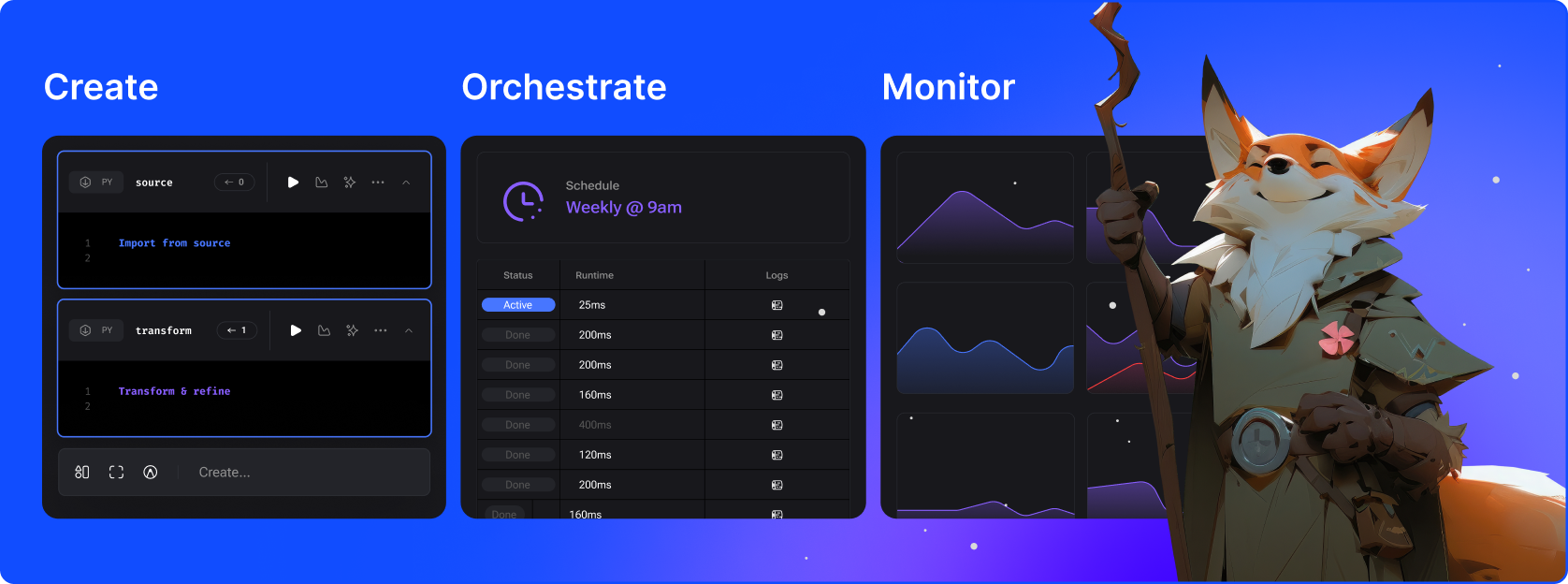
Mage is a hybrid framework for transforming and integrating data. It combines the best of both worlds: the flexibility of notebooks with the rigor of modular code.
* Extract and synchronize data from 3rd party sources.
* Transform data with real-time and batch pipelines using Python, SQL, and R.
* Load data into your data warehouse or data lake using our pre-built connectors.
* Run, monitor, and orchestrate thousands of pipelines without losing sleep.
Plus hundreds of enterprise-class features, infrastructure innovations, and magical surprises.
***
**Available in two spellbinding versions**
For teams. Fully managed platform
for integrating and transforming data.
Self-hosted. System to build, run, and
manage data pipelines.
***
## Getting started
Get quickly started on building and deploying magical data pipelines
by watching a short product video and trying out the interactive demo playground.
Get a 5 minute overview
Open our interactive demo
## 🦄 Make data magical
We put the *fun* in fun-ctional programming. Mage is a hybrid framework that combines the best of both worlds: the flexibility of notebooks with the rigor of modular code.
* **Extract** and synchronize data from 3rd party sources.
* **Transform** data with real-time and batch pipelines using Python, SQL, and R.
* **Load** data into your data warehouse or data lake using our pre-built connectors.
* Run, monitor, and **orchestrate** thousands of pipelines without losing sleep.
Have you met anyone who loves developing in Airflow? That's why we designed an easy developer experience that you'll enjoy.
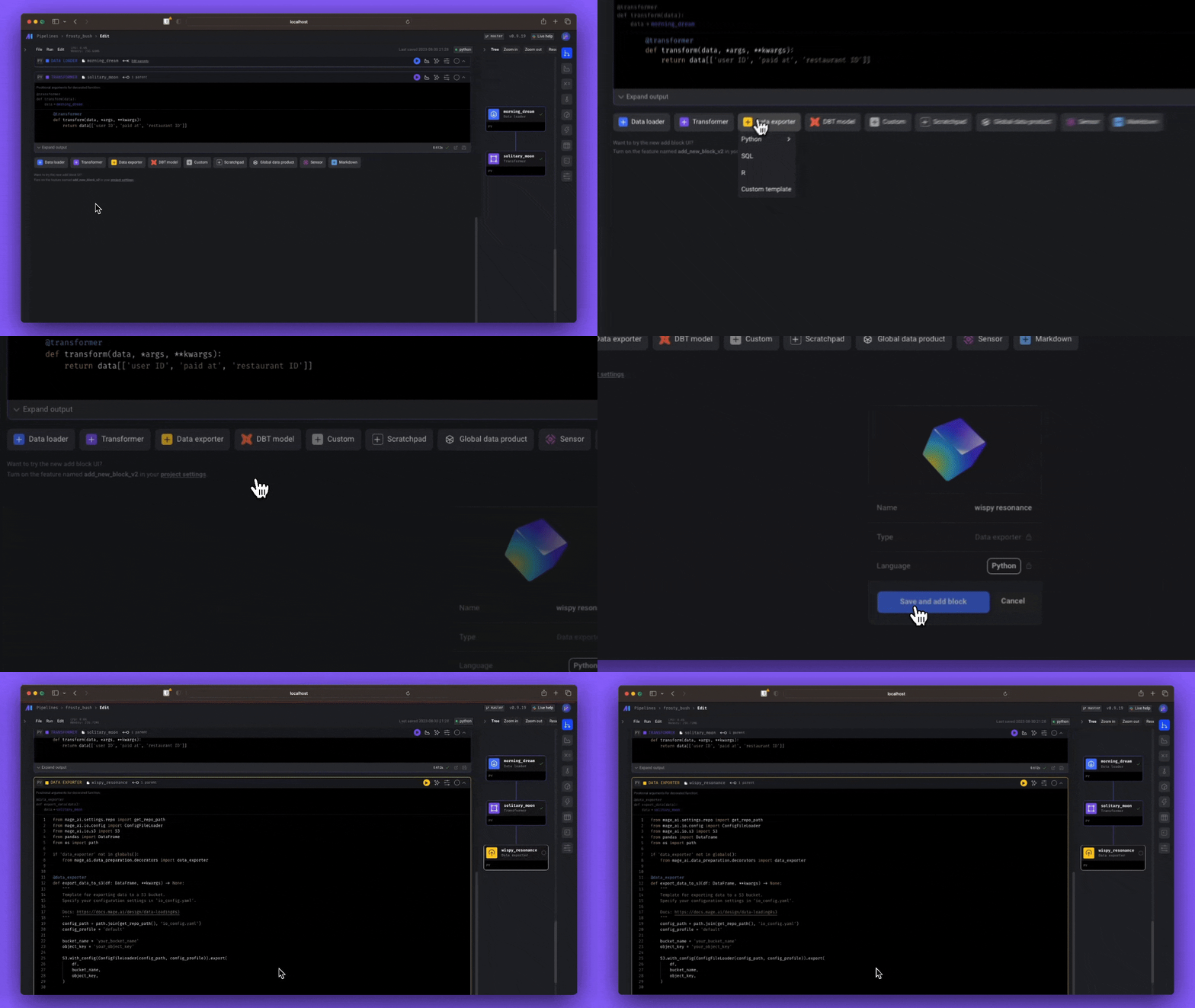
* **Simple developer experience**: Start developing locally with a single command or launch a dev environment in your cloud using Terraform.
* **Language of choice**: Write code in Python, SQL, or R in the same pipeline for *ultimate* flexibility.
* **Engineering best practices built-in**: Every step in your pipeline is a standalone file with modular code that's reusable and testable. No more DAGs with spaghetti code 🍝.
* **Bring your favorite tools:** Write [dbt](/guides/dbt/overview) models, use your favorite [IDE](/guides/developer-ux/code-editor), [track changes with Git](/guides/data-sync/version-control), and much much more.
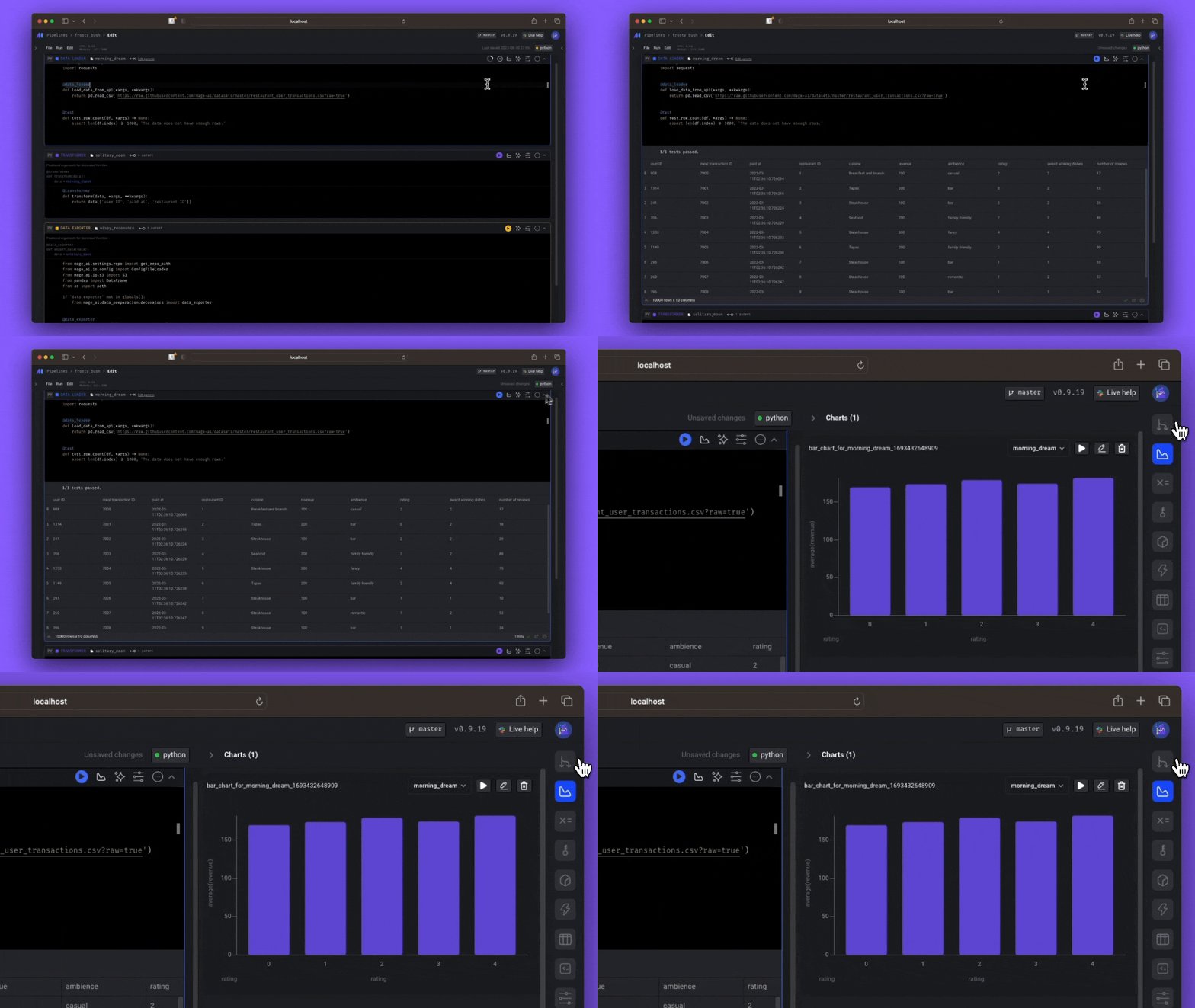
Don't waste time waiting for your DAGs to finish testing. Get instant feedback from your code *every* time you run it.
* **Interactive code**: Immediately see results from your code's output with an interactive notebook UI.
* **Data is a first-class citizen**: Each block of code in your pipeline produces data that can be versioned, partitioned, and cataloged for future use.
* **Collaborate on cloud**: Develop collaboratively on [cloud resources](/production/deploying-to-cloud/architecture), version control with [Git](/development/git/setting-up-git), and [test](/observability/testing/data-validation) pipelines without waiting for an available shared staging environment.
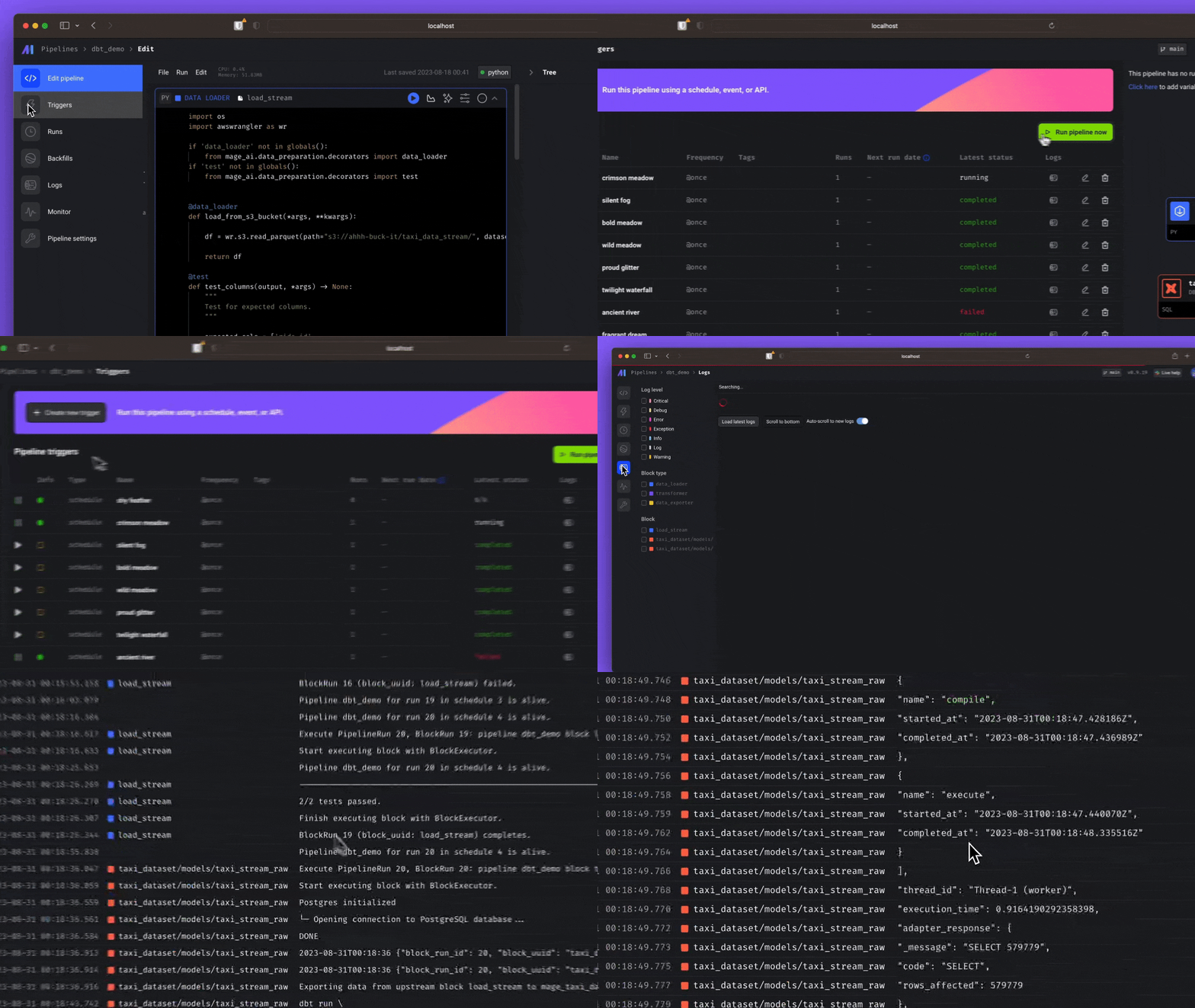
Don't have a large team dedicated to Airflow? Mage makes it easy for a single developer or small team to scale up and manage thousands of pipelines.
* **Fast deploy**: Deploy Mage to [AWS](/production/deploying-to-cloud/aws/setup), [GCP](/production/deploying-to-cloud/gcp/setup), or [Azure](/production/deploying-to-cloud/azure/setup) with only 2 commands using maintained Terraform templates.
* **Scaling made simple**: Transform very large datasets directly in your data warehouse or through a native integration with [Spark](/integrations/spark-pyspark).
* **Observability**: Operationalize your pipelines with built-in monitoring, alerting, and observability through an intuitive UI.
## 🔮 [Features](/about/features)
| | | |
| --- | ----------------------------------------------------------------------- | ---------------------------------------------------------------------- |
| 🎶 | [Orchestration](/design/data-pipeline-management) | Schedule and manage data pipelines with observability. |
| 📓 | [Notebook editor](/about/features#notebook-for-building-data-pipelines) | Interactive Python, SQL, & R editor for coding data pipelines. |
| 🏗️ | [Data integration](/data-integrations) | Synchronize data from 3rd party sources to your internal destinations. |
| 🚰 | [Streaming](/guides/streaming/introduction) | Ingest and transform real-time data. |
| 🧱 | [dbt](/guides/dbt) | Build, run, and manage your dbt models with Mage. |
## 🏔️ [Core design principles](/design/core-design-principles)
Every user experience and technical design decision adheres to these principles.
| | | |
| -- | ------------------------------------------------------------------------------------------------ | ---------------------------------------------------------------------------------------------------------------------------- |
| 💻 | [Easy developer experience](/design/core-design-principles#easy-developer-experience) | Open-source engine that comes with a custom notebook UI for building data pipelines. |
| 🚢 | [Engineering best practices](/design/core-design-principles#engineering-best-practices-built-in) | Build and deploy data pipelines using modular code. No more writing throwaway code or trying to turn notebooks into scripts. |
| 💳 | [Data as a first-class citizen](/design/core-design-principles#data-is-a-first-class-citizen) | Designed from the ground up specifically for running data-intensive workflows. |
| 🪐 | [Scaling made simple](/design/core-design-principles#scaling-is-made-simple) | Analyze and process large data quickly for rapid iteration. |
## 🛸 [Core abstractions](/design/core-abstractions)
These are the fundamental concepts that Mage uses to operate.
| | | |
| ----- | ------------------------------------------------------ | ----------------------------------------------------------------------------------------------------------------------------------------------------------- |
| 🏢 | [Project](/design/core-abstractions#project) | Like a repository on GitHub; this is where you write all your code. |
| 🪈 | [Pipeline](/design/core-abstractions#pipeline) | Contains references to all the blocks of code you want to run, charts for visualizing data, and organizes the dependency between each block of code. |
| 🧱 | [Block](/design/core-abstractions#block) | A file with code that can be executed independently or within a pipeline. |
| 🤓 | [Data product](/design/core-abstractions#data-product) | Every block produces data after it's been executed. These are called data products in Mage. |
| ⏰ | [Trigger](/design/core-abstractions#trigger) | A set of instructions that determine when or how a pipeline should run. |
| 🏃♂️ | [Run](/design/core-abstractions#run) | Stores information about when it was started, its status, when it was completed, any runtime variables used in the execution of the pipeline or block, etc. |
## 👨👩👧👦 Community
Individually, we're a mage.
> 🧙 Mage
>
> Magic is indistinguishable from advanced technology. A mage is someone who
> uses magic (aka advanced technology).
Together, we're Magers!
> 🧙♂️🧙 Magers (`/ˈmājər/`)
>
> A group of mages who help each other realize their full potential! Join us on [Slack](https://www.mage.ai/chat).
✨ This documentation & project are brought to you by the following *magical* individuals (learn more about contributing [here](/contributing/overview)):