{description}
 ### Integration
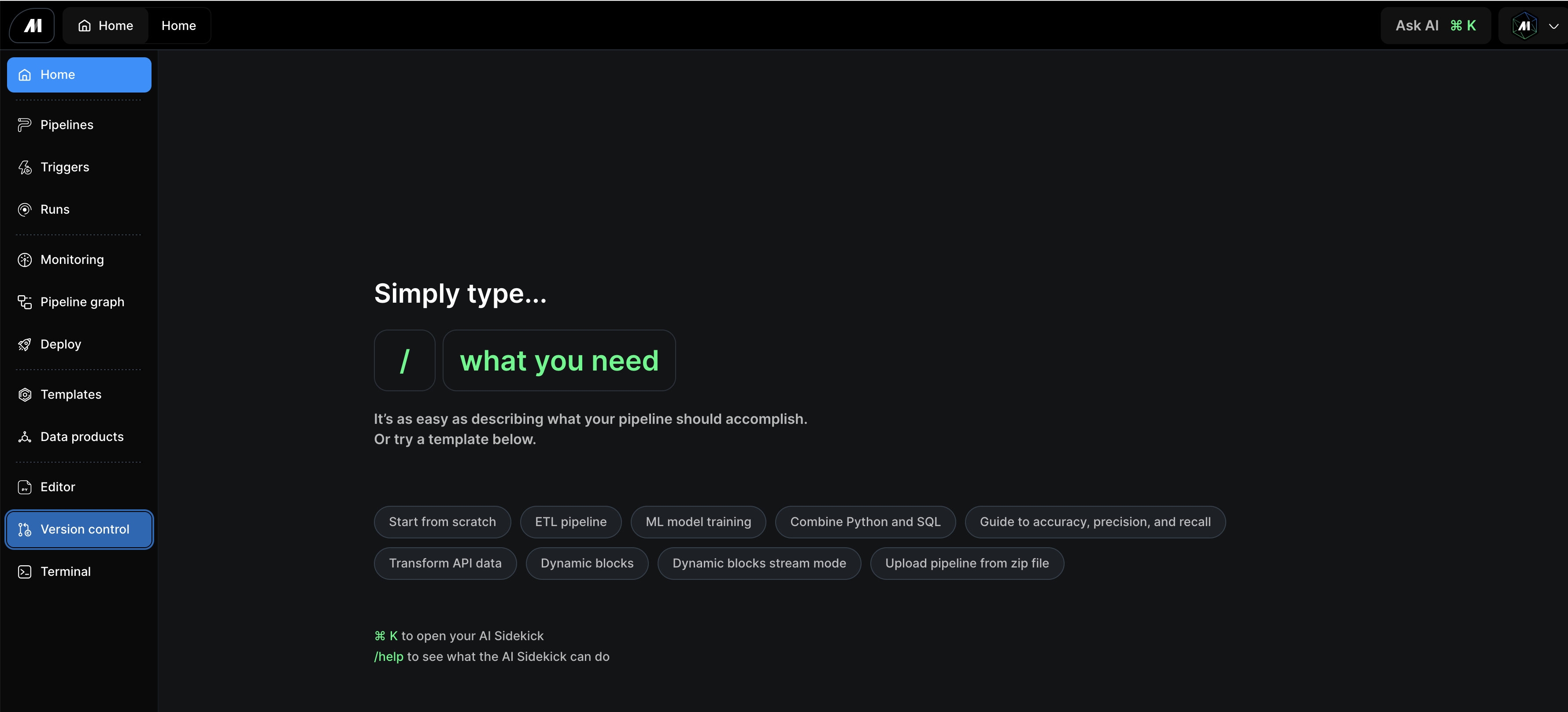
The Git Terminal connects with your existing development workflow. Key integration points include:
* GitHub, GitLab, and other Git providers
* Maintains authentication across sessions
* Works within existing Mage Pro workflow
### Integration
The Git Terminal connects with your existing development workflow. Key integration points include:
* GitHub, GitLab, and other Git providers
* Maintains authentication across sessions
* Works within existing Mage Pro workflow
 ### Use Cases
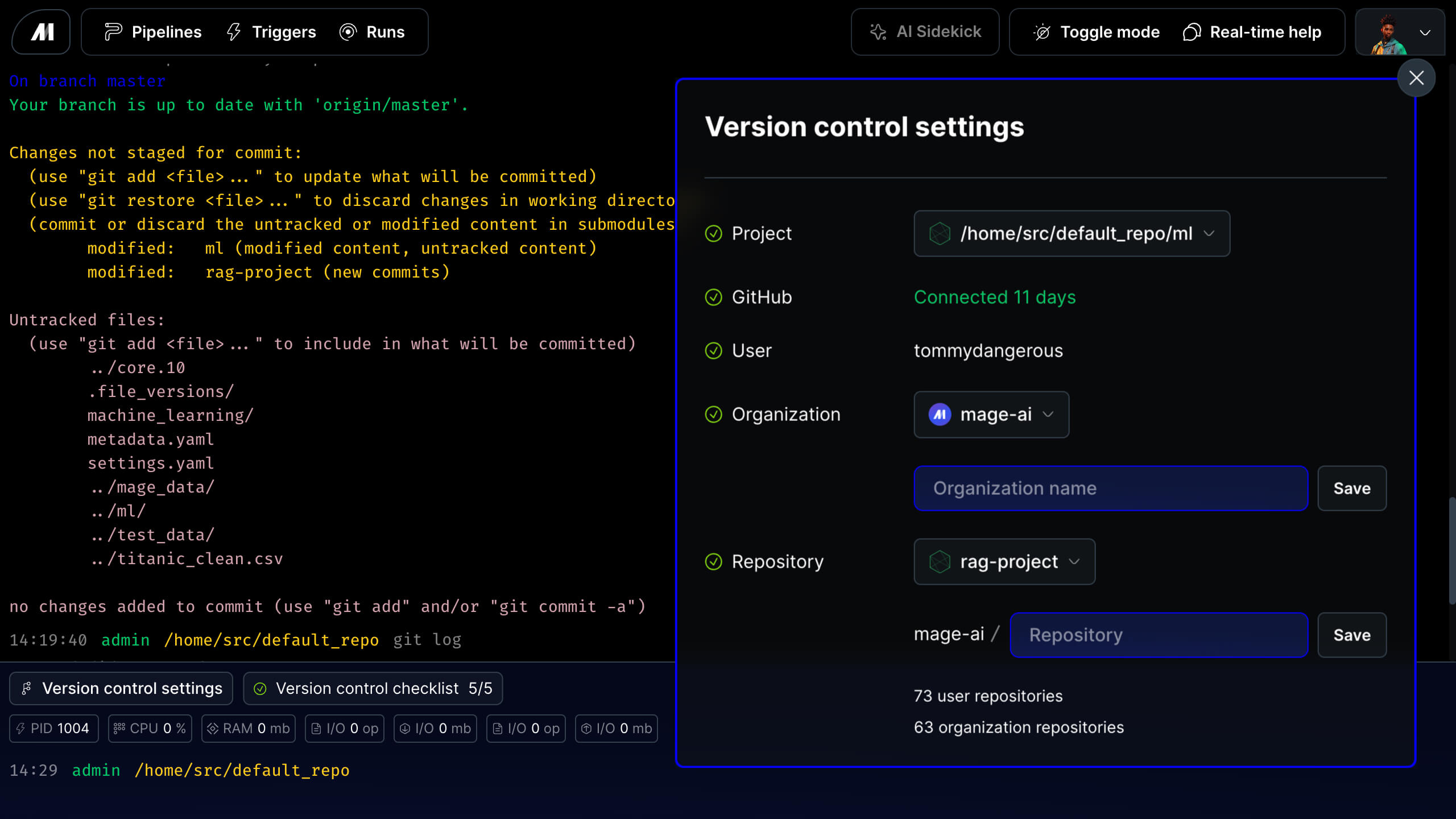
Use the Git Terminal in your development environment to push changes to GitHub for source version control after making modifications to pipelines, blocks, or configurations in the Mage UI. Essential use cases include:
* Before deploying changes to save work to version control
* For regular commits to maintain code history and backup
### Authentication
Before using the Git Terminal, you must first authenticate with GitHub through the Deploy App. This one-time setup enables all Git operations within Mage Pro.
**Quick Setup:**
1. Navigate to **Deployments** → **Connect repository**
2. Complete GitHub OAuth authentication
3. Configure your repository connection
*For detailed authentication steps, see the [Version control guide](https://docs.mage.ai/guides/data-sync/version-control-guide).*
Once authenticated, the Git Terminal automatically uses your credentials for all Git operations without requiring additional setup.
### Usage
The Git Terminal supports all standard Git operations you're familiar with. Run standard Git commands such as:
```python theme={"system"}
git status # Check current changes
git add . # Stage all changes
git commit -m "message" # Commit with description
git push origin main # Push to remote repository
```
### Conclusion
The Git Terminal streamlines your development workflow by bringing version control directly into the Mage Pro environment.
With built-in authentication, real-time collaboration, and standard Git functionality, teams can maintain professional development
practices without the complexity of managing separate tools. This integrated approach enables faster development cycles while ensuring
code changes are properly tracked and shared across your team.
### Use Cases
Use the Git Terminal in your development environment to push changes to GitHub for source version control after making modifications to pipelines, blocks, or configurations in the Mage UI. Essential use cases include:
* Before deploying changes to save work to version control
* For regular commits to maintain code history and backup
### Authentication
Before using the Git Terminal, you must first authenticate with GitHub through the Deploy App. This one-time setup enables all Git operations within Mage Pro.
**Quick Setup:**
1. Navigate to **Deployments** → **Connect repository**
2. Complete GitHub OAuth authentication
3. Configure your repository connection
*For detailed authentication steps, see the [Version control guide](https://docs.mage.ai/guides/data-sync/version-control-guide).*
Once authenticated, the Git Terminal automatically uses your credentials for all Git operations without requiring additional setup.
### Usage
The Git Terminal supports all standard Git operations you're familiar with. Run standard Git commands such as:
```python theme={"system"}
git status # Check current changes
git add . # Stage all changes
git commit -m "message" # Commit with description
git push origin main # Push to remote repository
```
### Conclusion
The Git Terminal streamlines your development workflow by bringing version control directly into the Mage Pro environment.
With built-in authentication, real-time collaboration, and standard Git functionality, teams can maintain professional development
practices without the complexity of managing separate tools. This integrated approach enables faster development cycles while ensuring
code changes are properly tracked and shared across your team.